Reports that build themselves
Describe a model once, saying which fields are measures and which are dates, and the reports it implies are created with real numbers already in them. Nothing to configure first.
Describe a model once
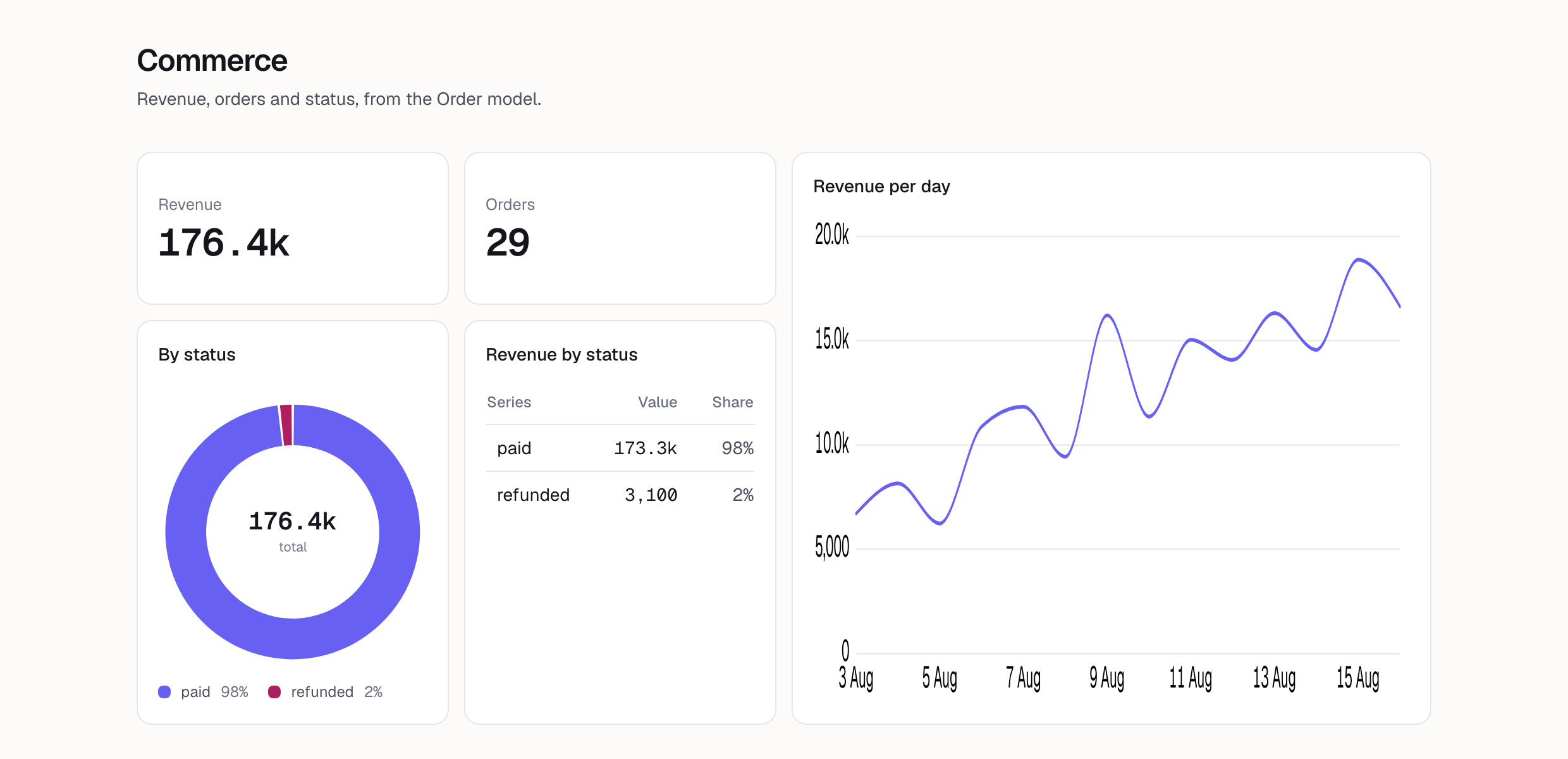
Name the model, say which fields are measures and which are dates, and that is the description. An Order with a total and a placed-at is enough for revenue over time, orders per day, and average order value, none of which you asked for individually.
The blocks come from that description
Everything a block can ask for is already decided by the description, so the builder's panel offers your measures and dimensions and nothing else. There is no template gallery to browse and no blank query language to learn — the first block you drop draws from rows already in your database, with no data to accumulate first.
They obey the application's own rules
A report reads the columns you described, at the grain you described, with the filters you declared. Nothing else is reachable. Ask it for something the description cannot answer correctly — a measure at a grain it does not have — and it refuses and says why, rather than returning a number that is quietly wrong.
Then you change them
Drag the blocks, change a measure, add one you did not think of at first. A report is a draft until you publish it, so nothing a teammate opens is half-arranged, and nothing is regenerated behind you.
Describe one model and watch
Name an Order or a User in the config file, run the migration, and open the reports. They are already populated, because the data was already there.
Start free